This broke my brain 🙃
Positives:
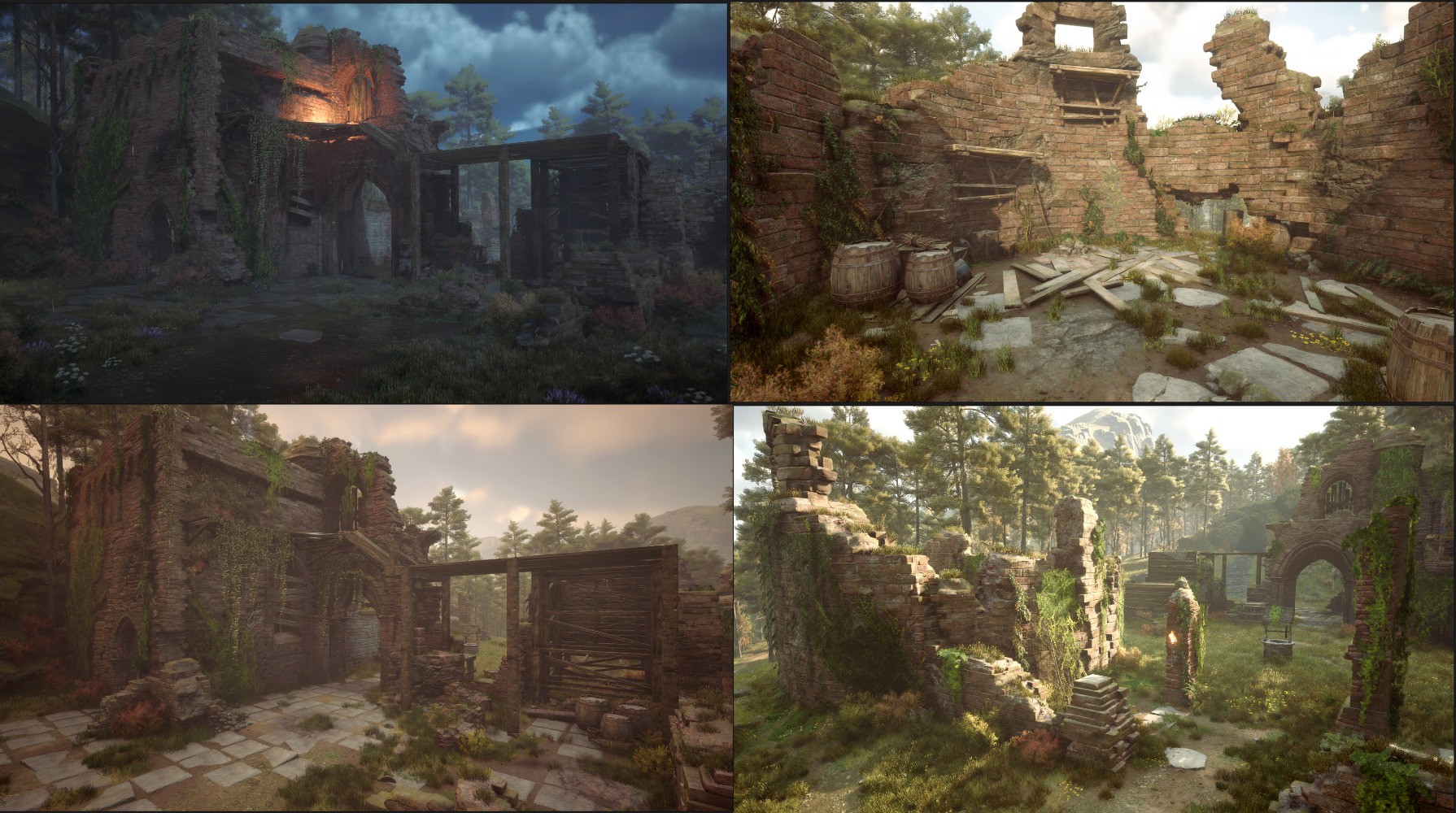
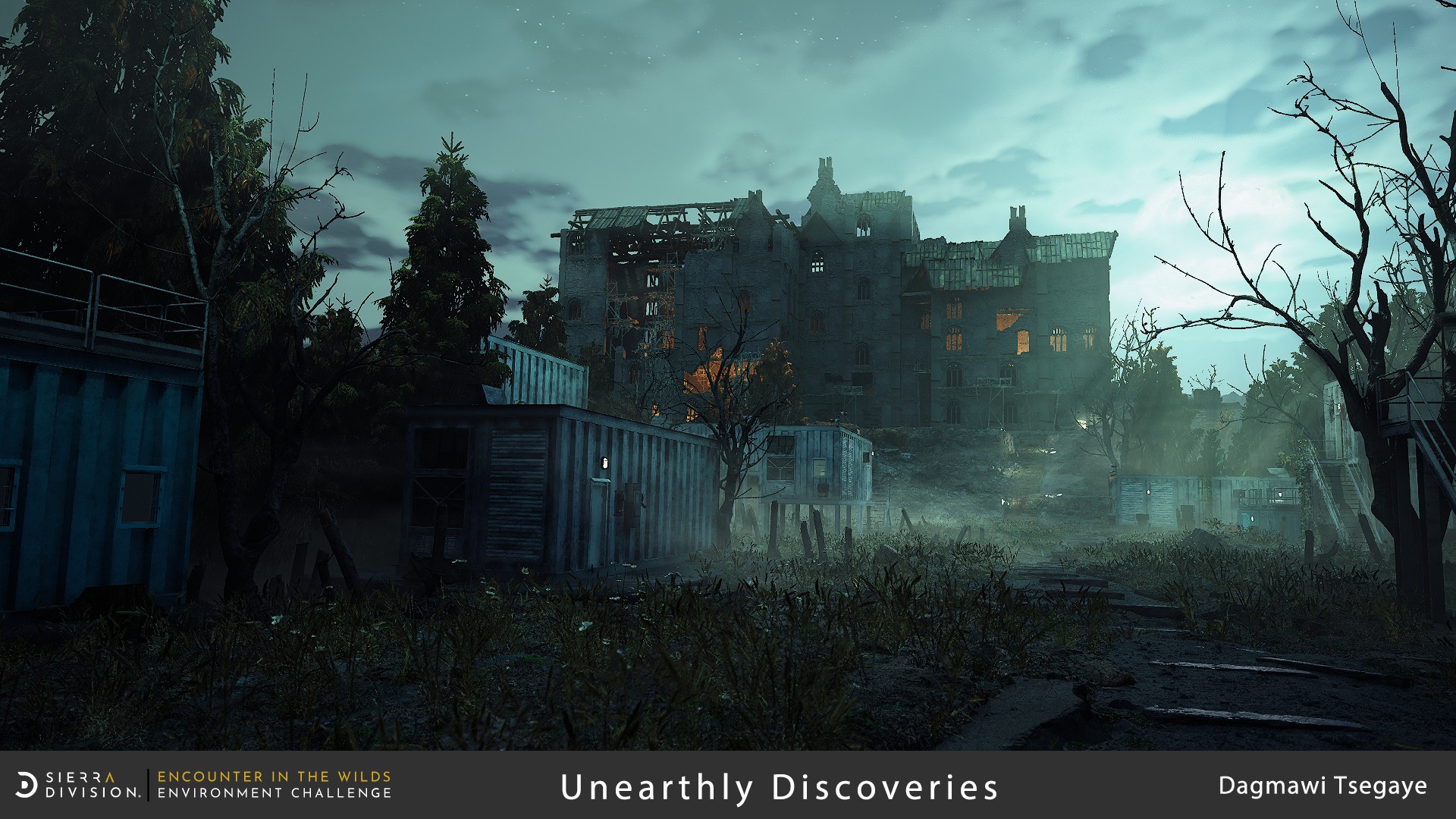
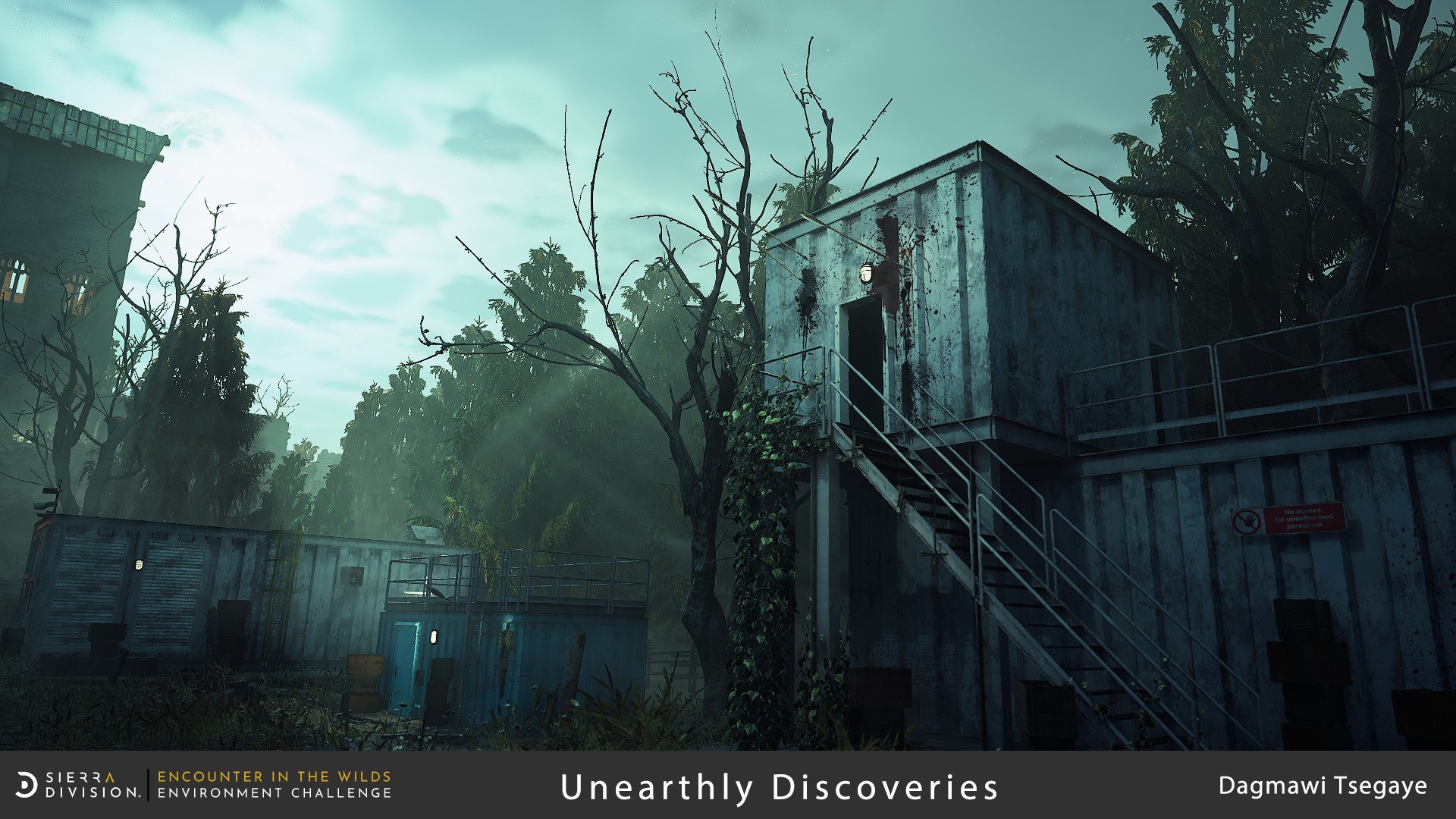
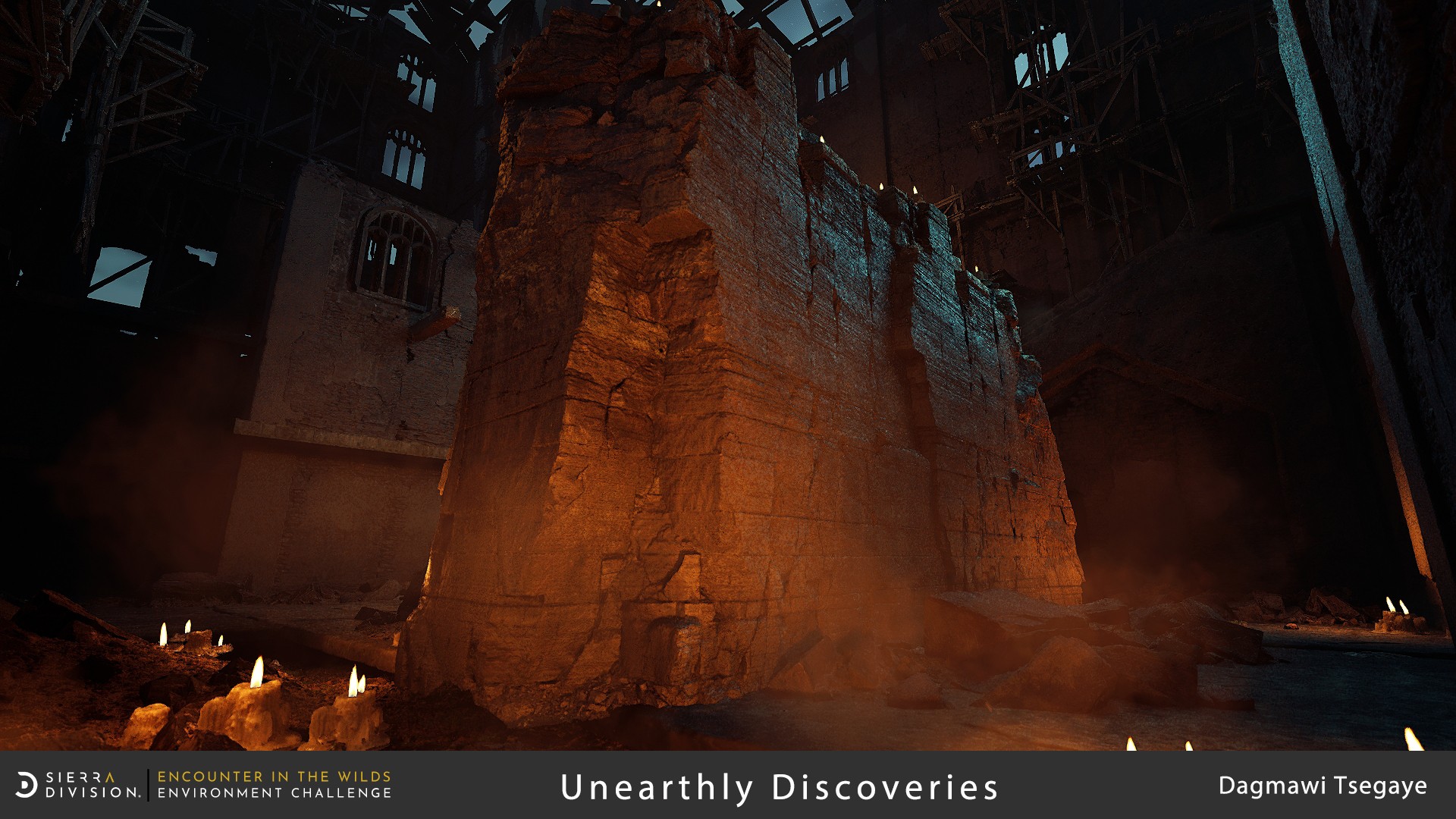
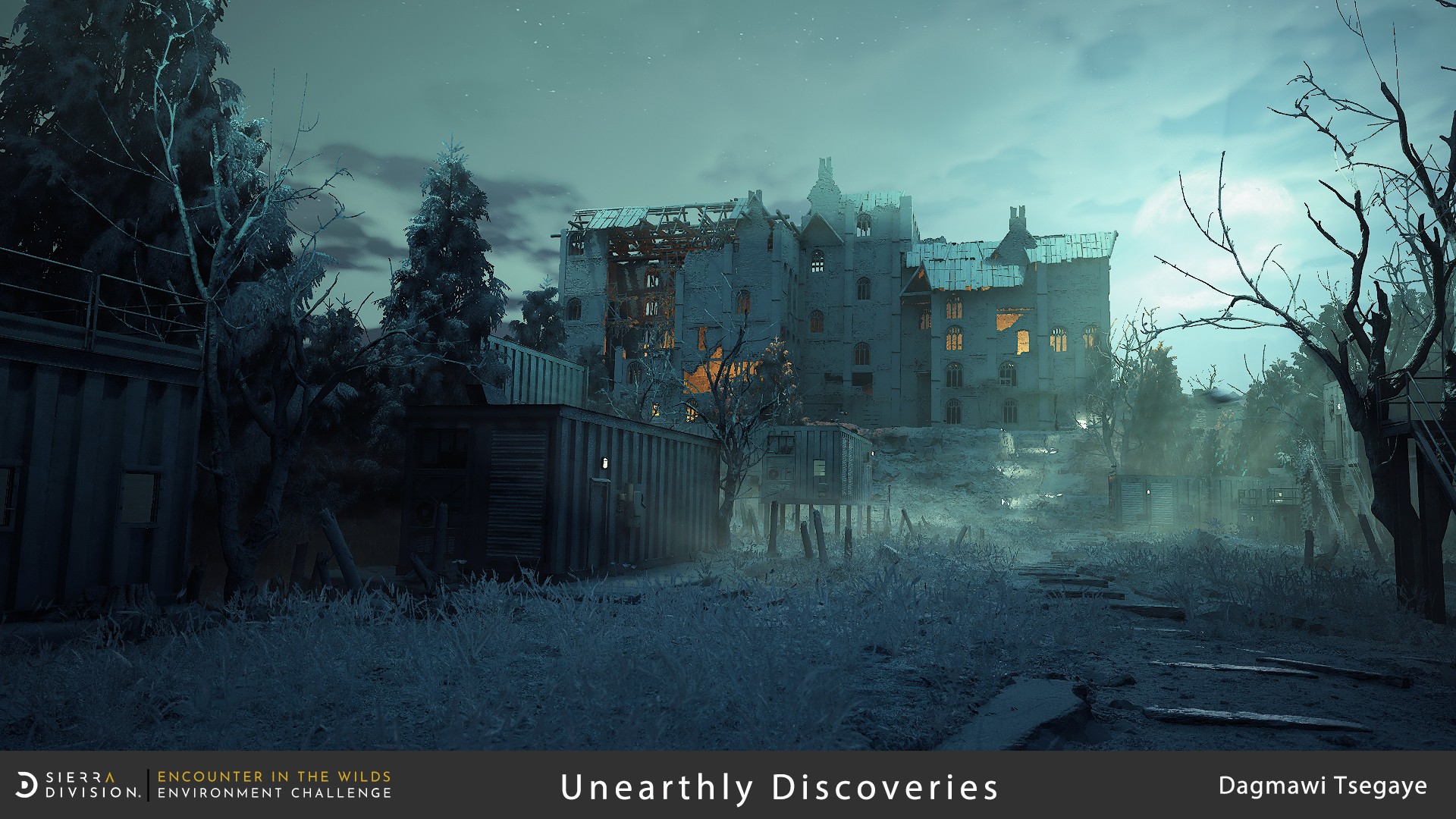
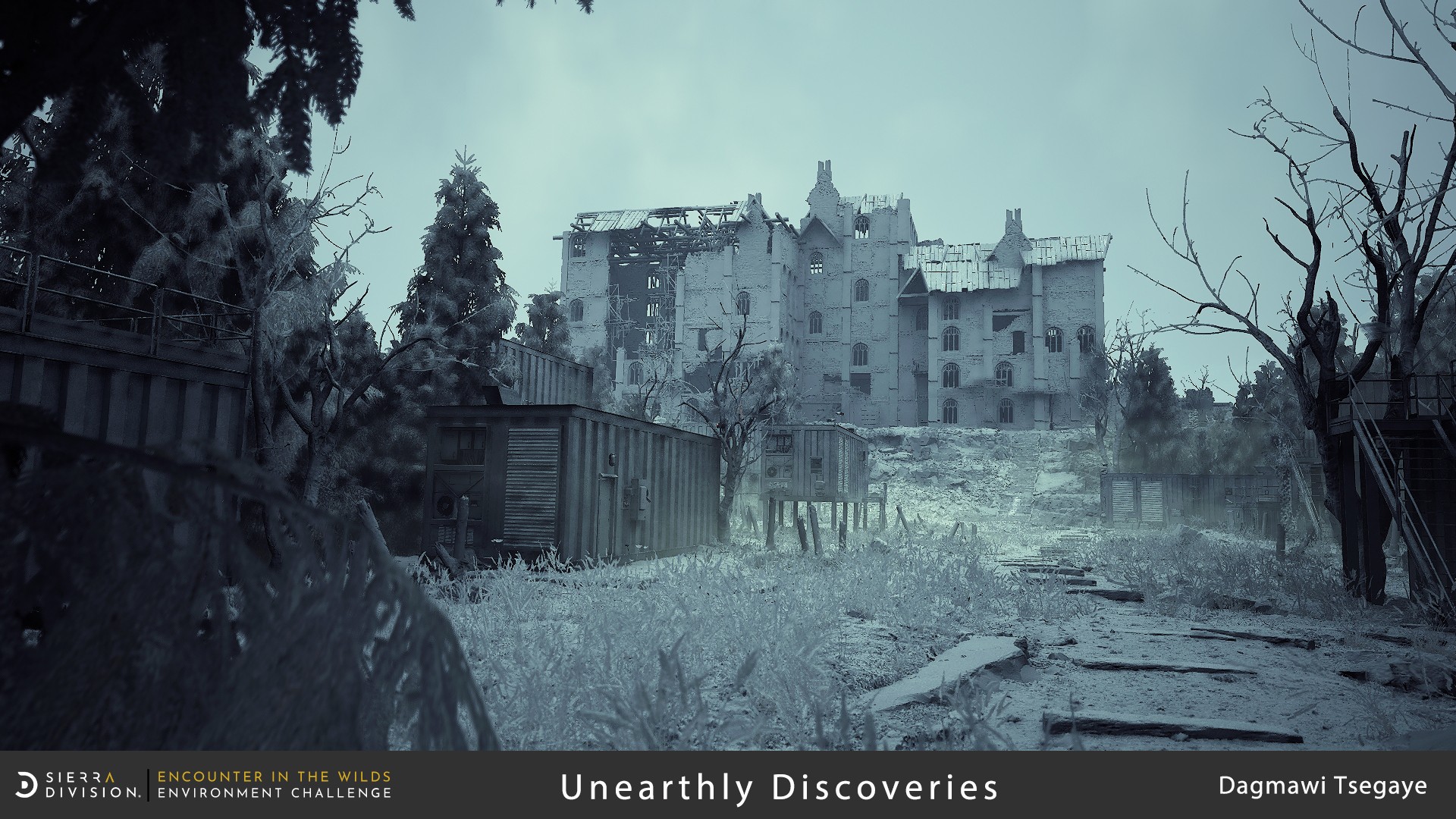
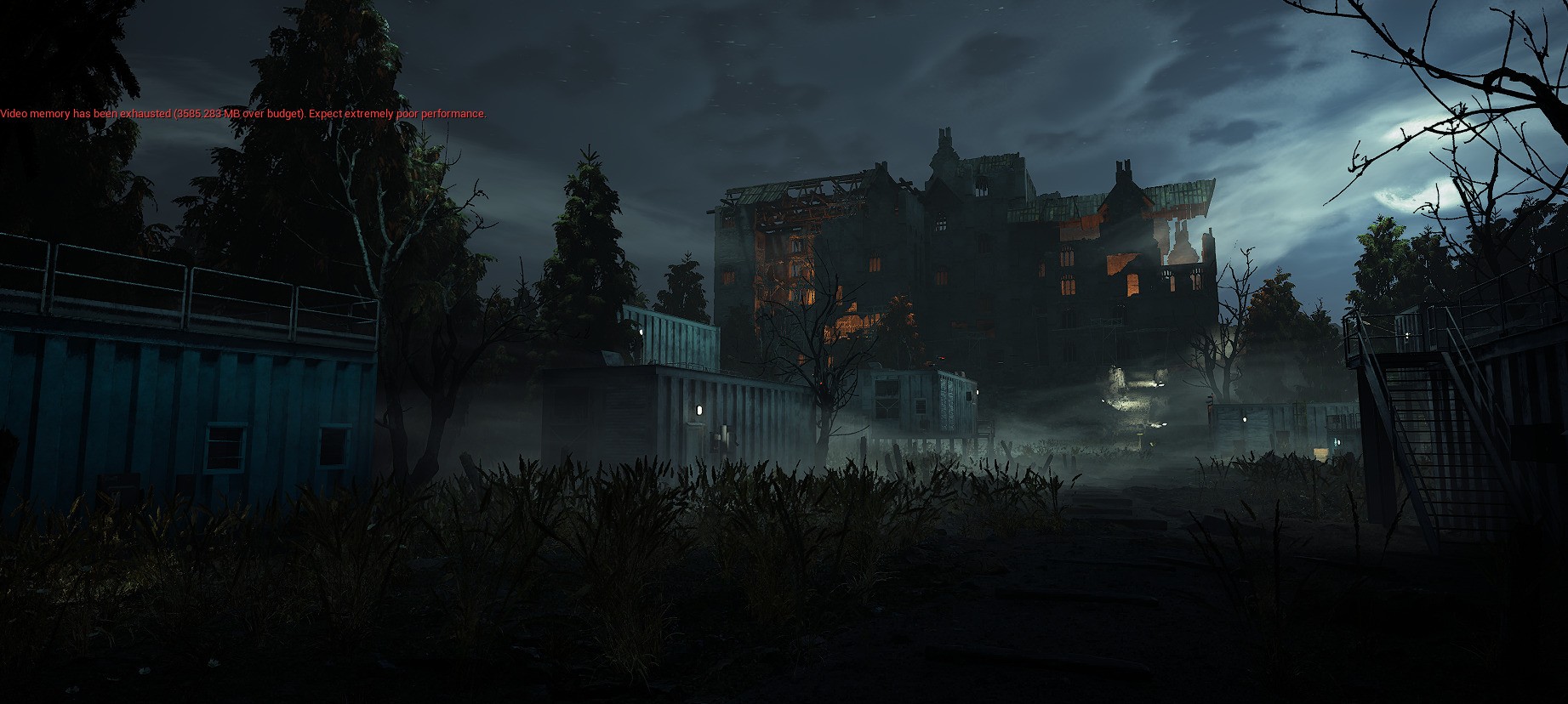
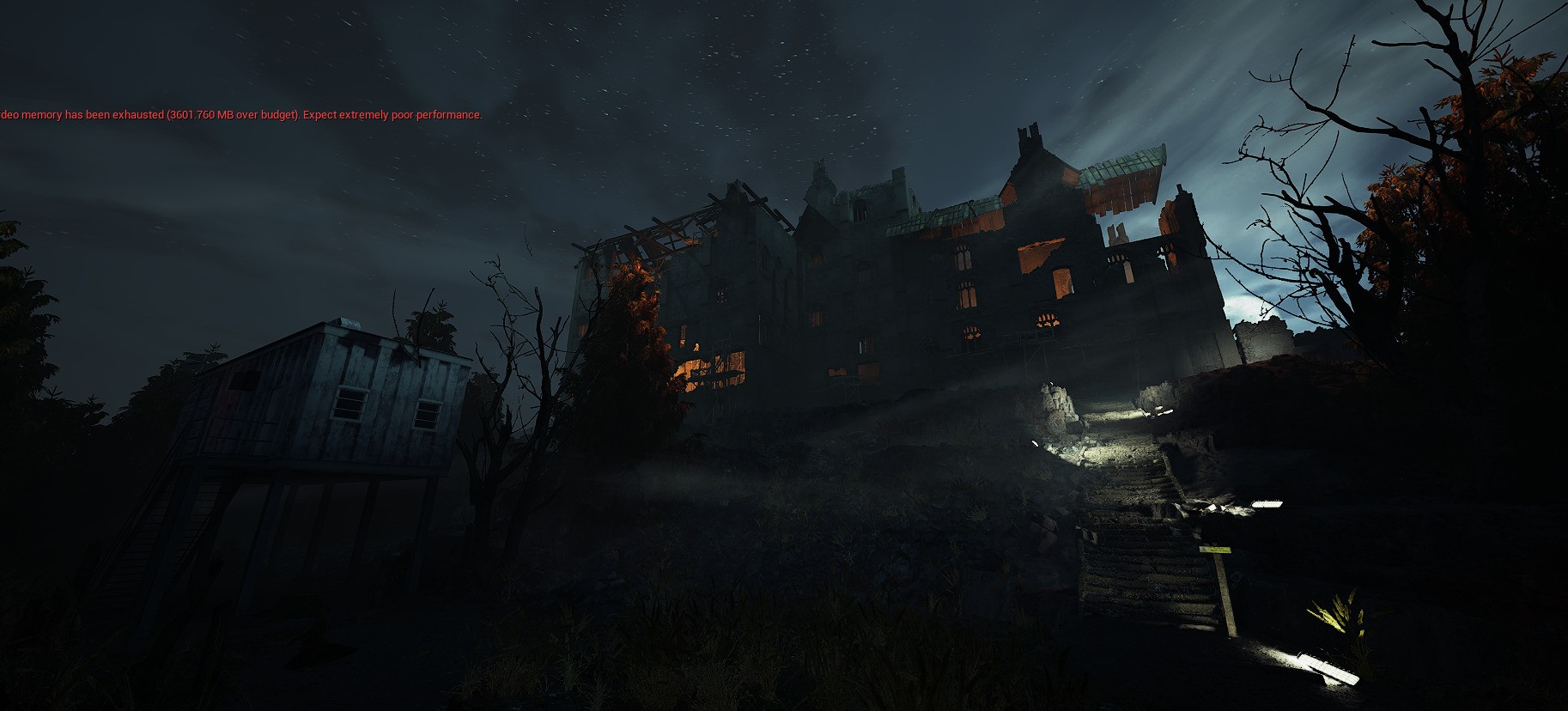
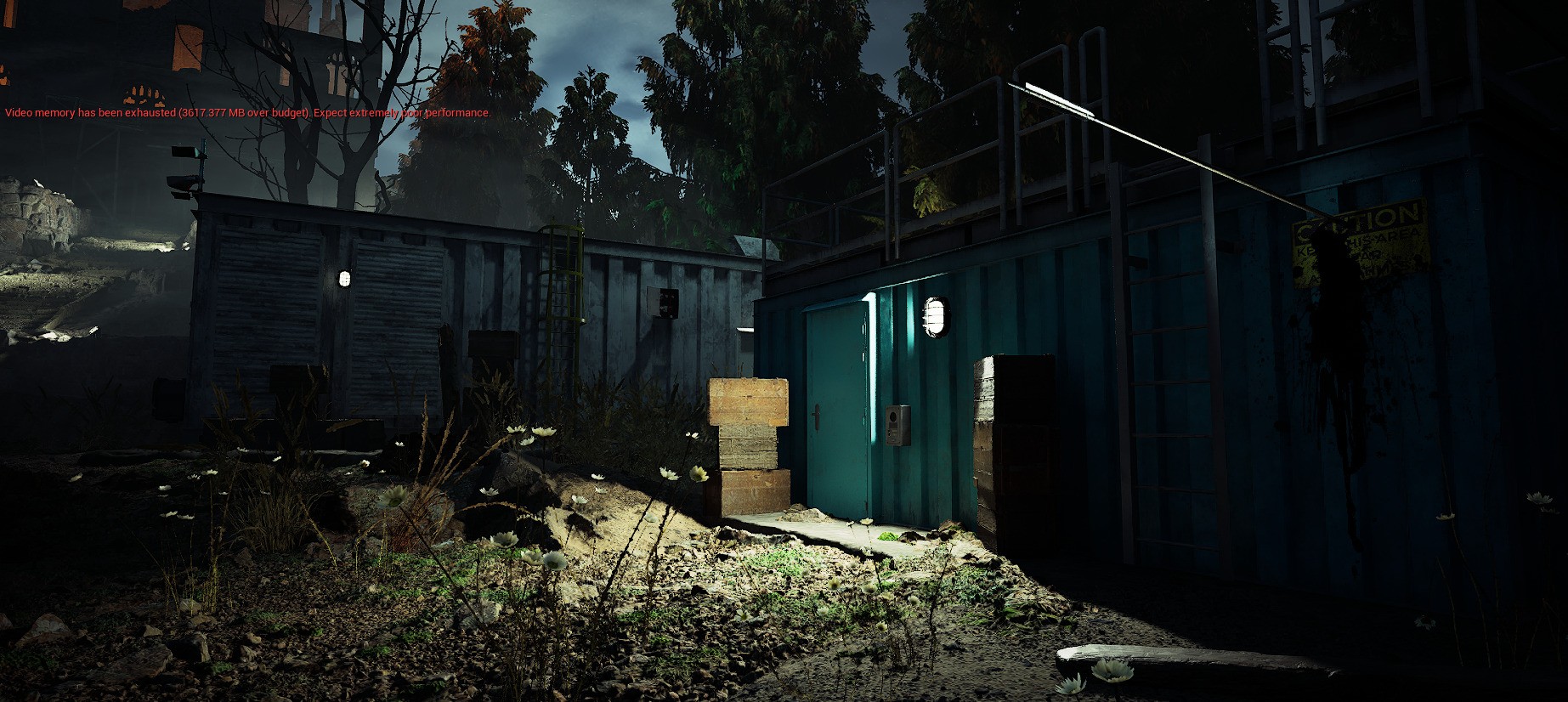
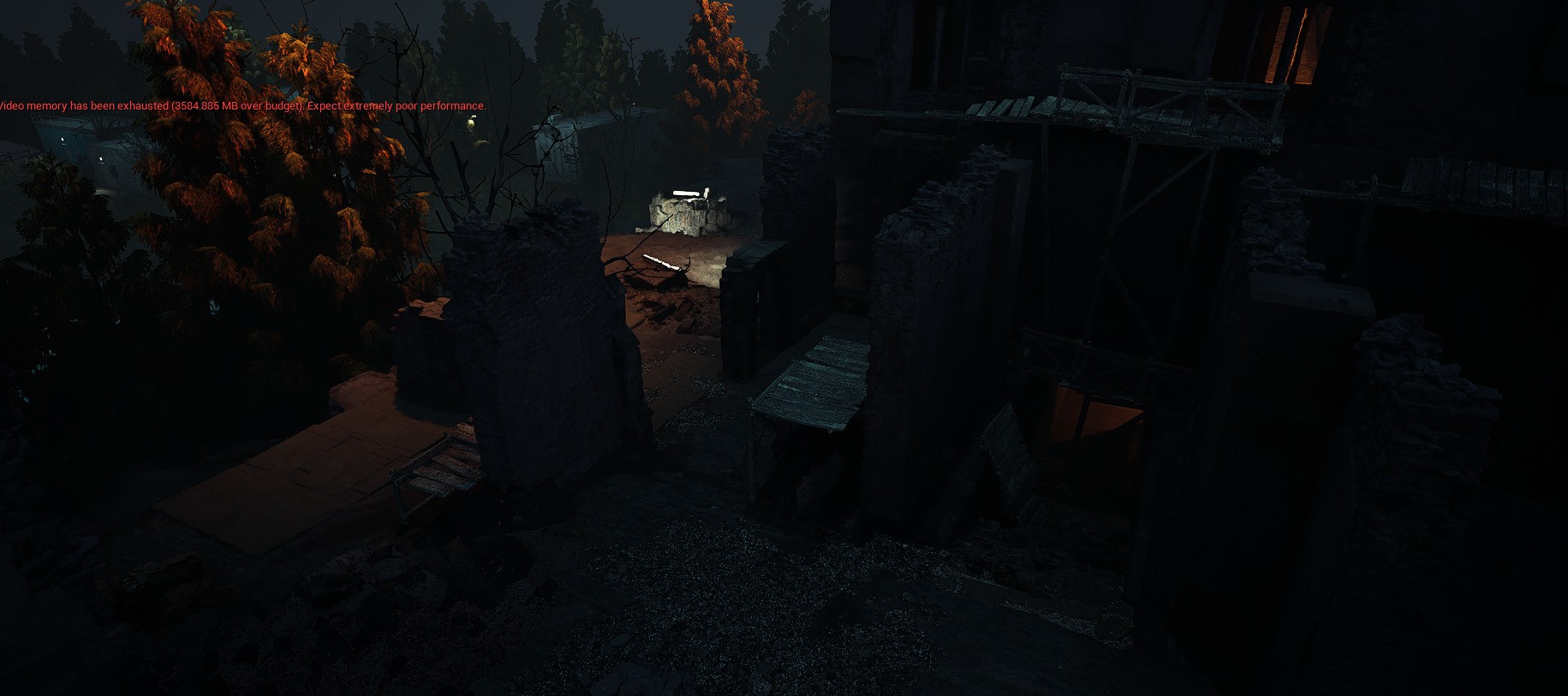
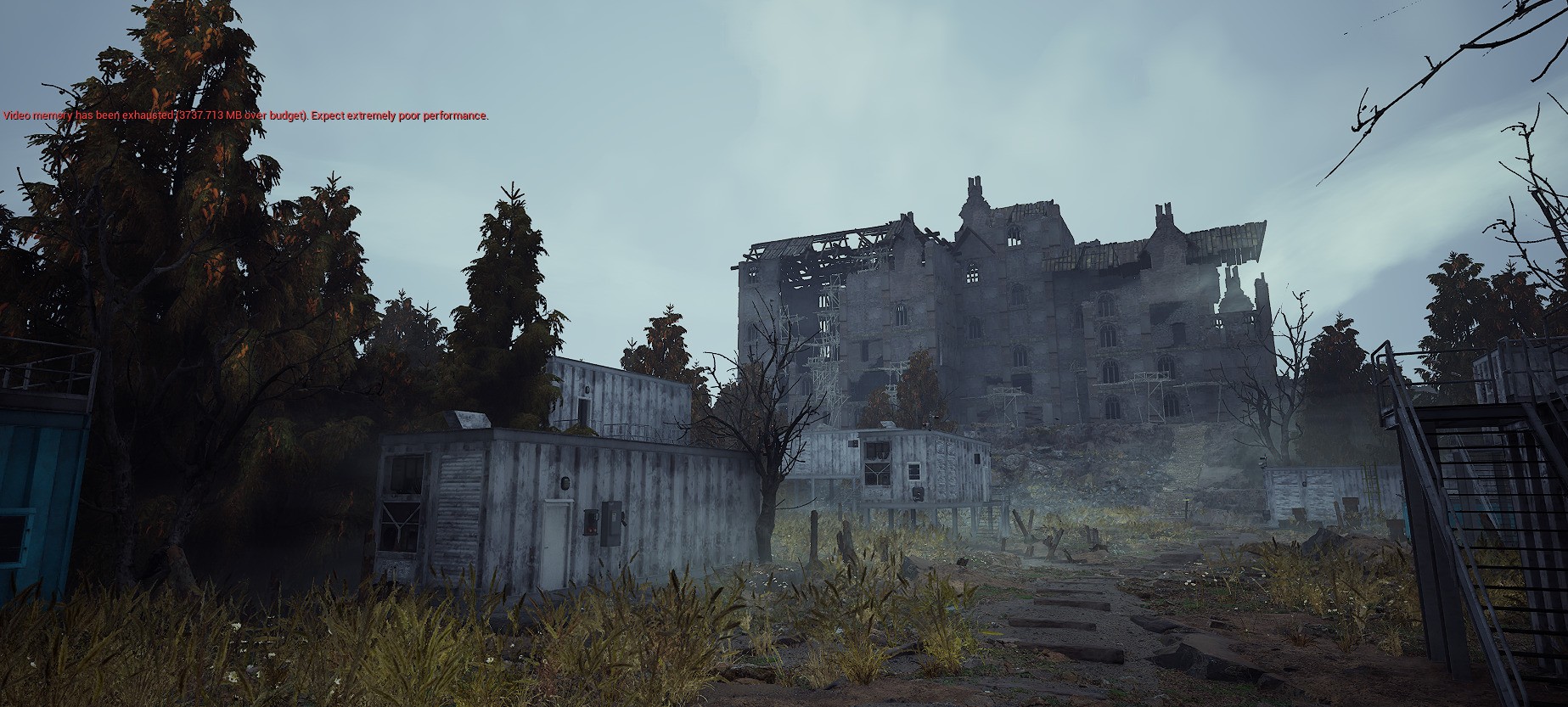
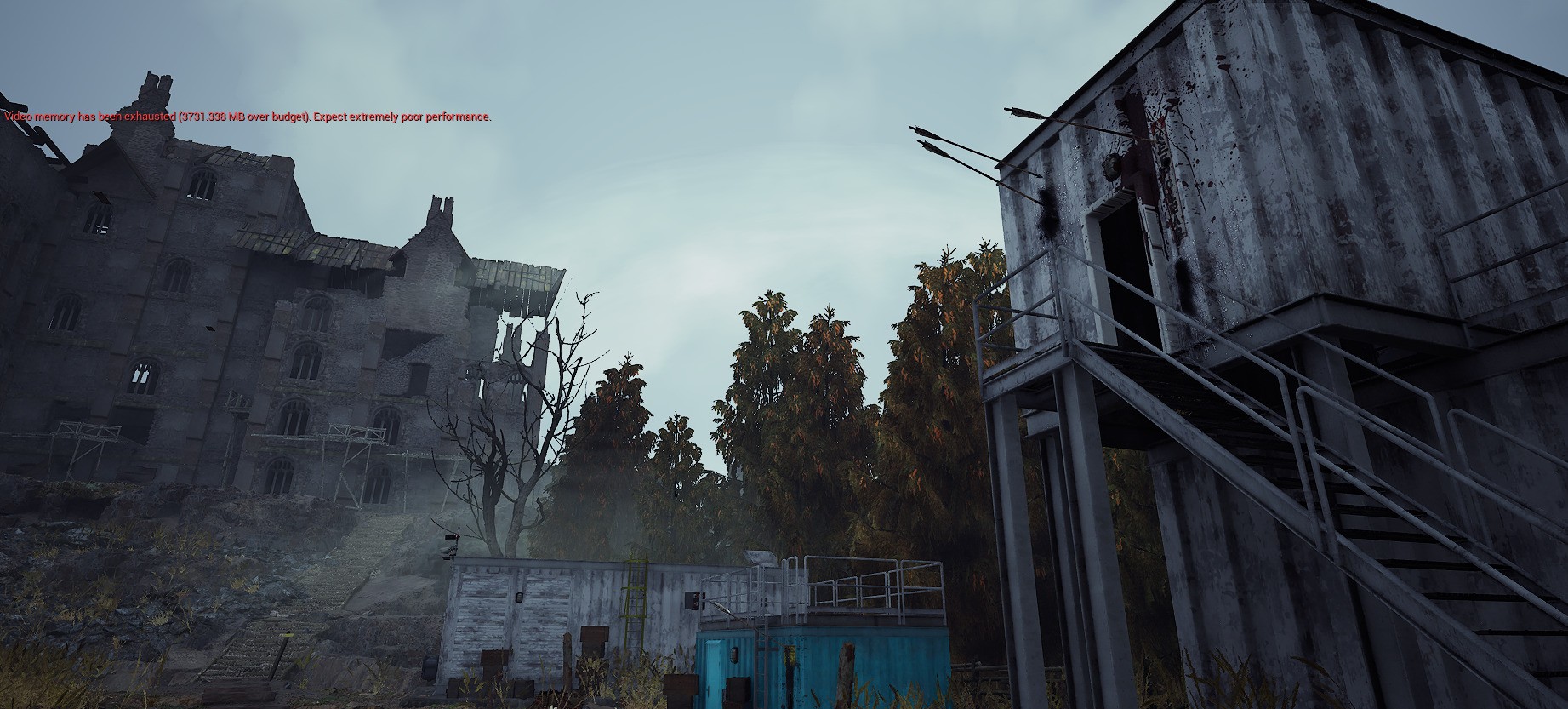
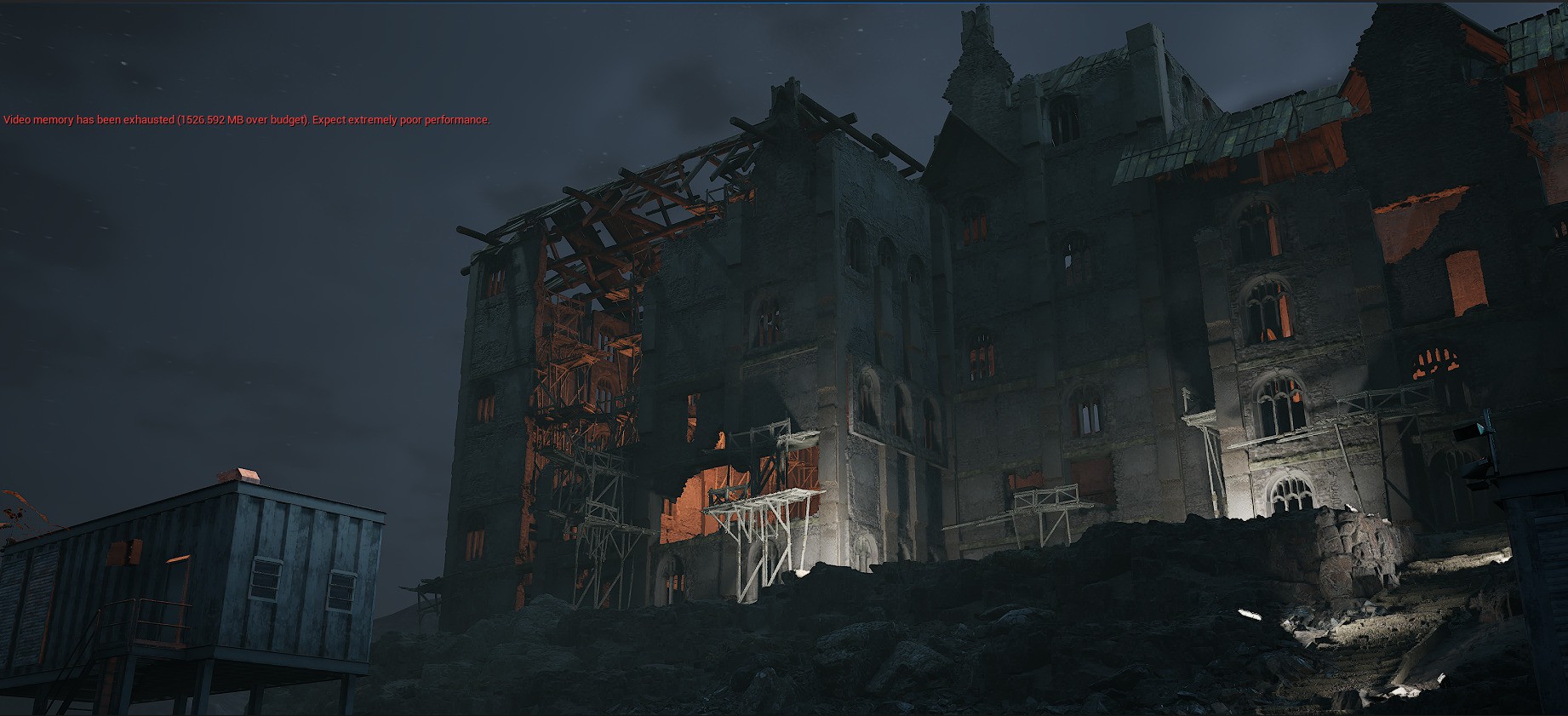
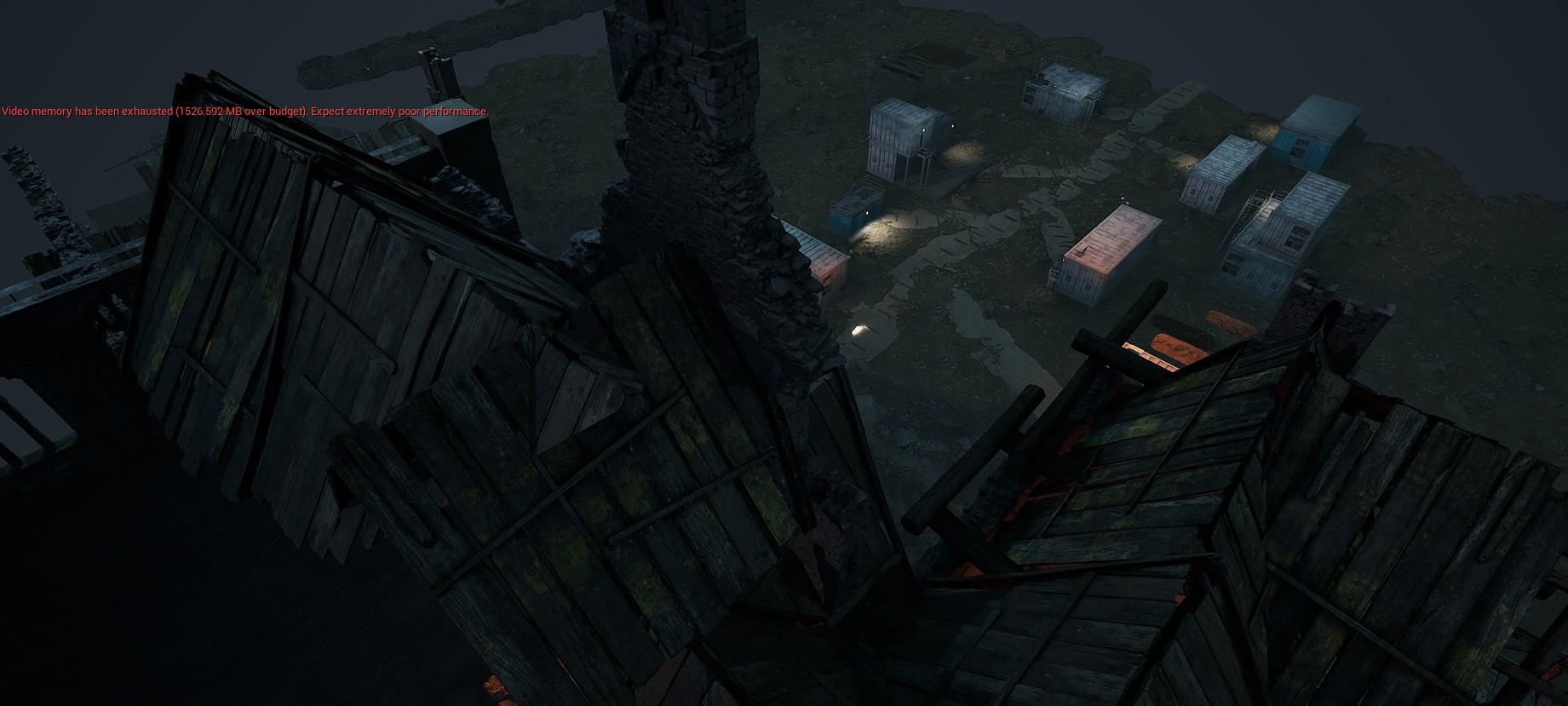
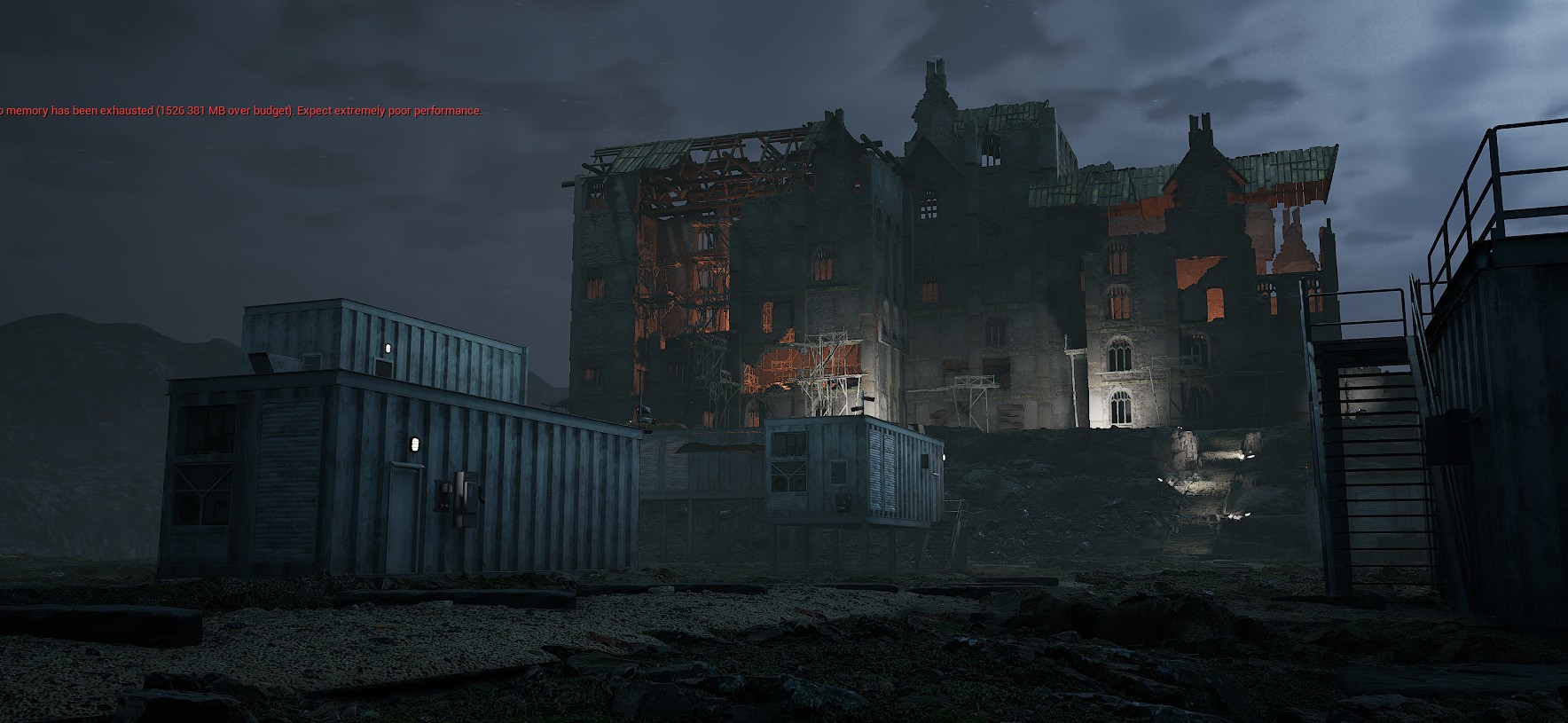
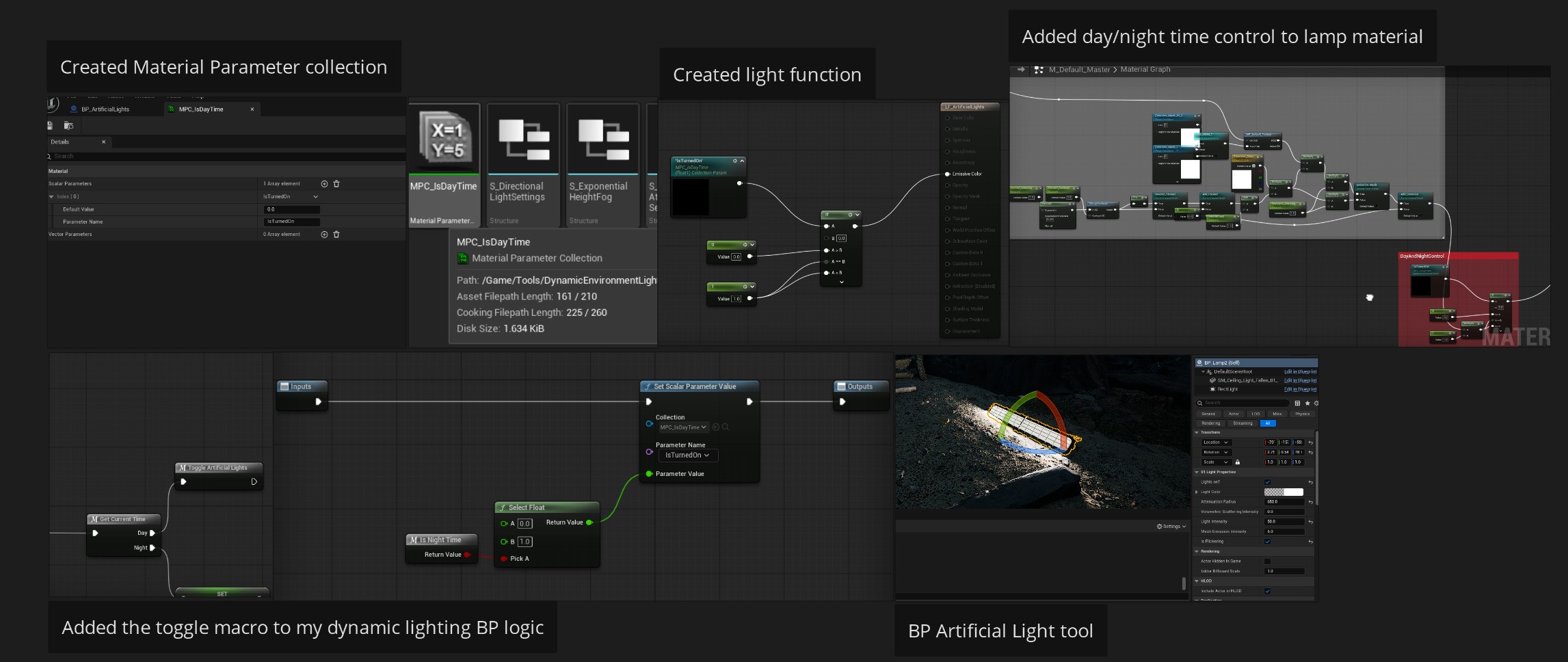
Got the dynamic lighting to work with the art direction I want. I made this to learn using both Blueprints and Data assets to bridge material and prop usage quicker, easier with a dynamic look. And a good time to create tools for my future projects.
It's really cool, needless to say unreal engine is a beast. I can't wait to explore its possibilities on the remaining parts of this project/challenge.
Problem:
Final result needs tweaking and I don't know what's going wrong with
-
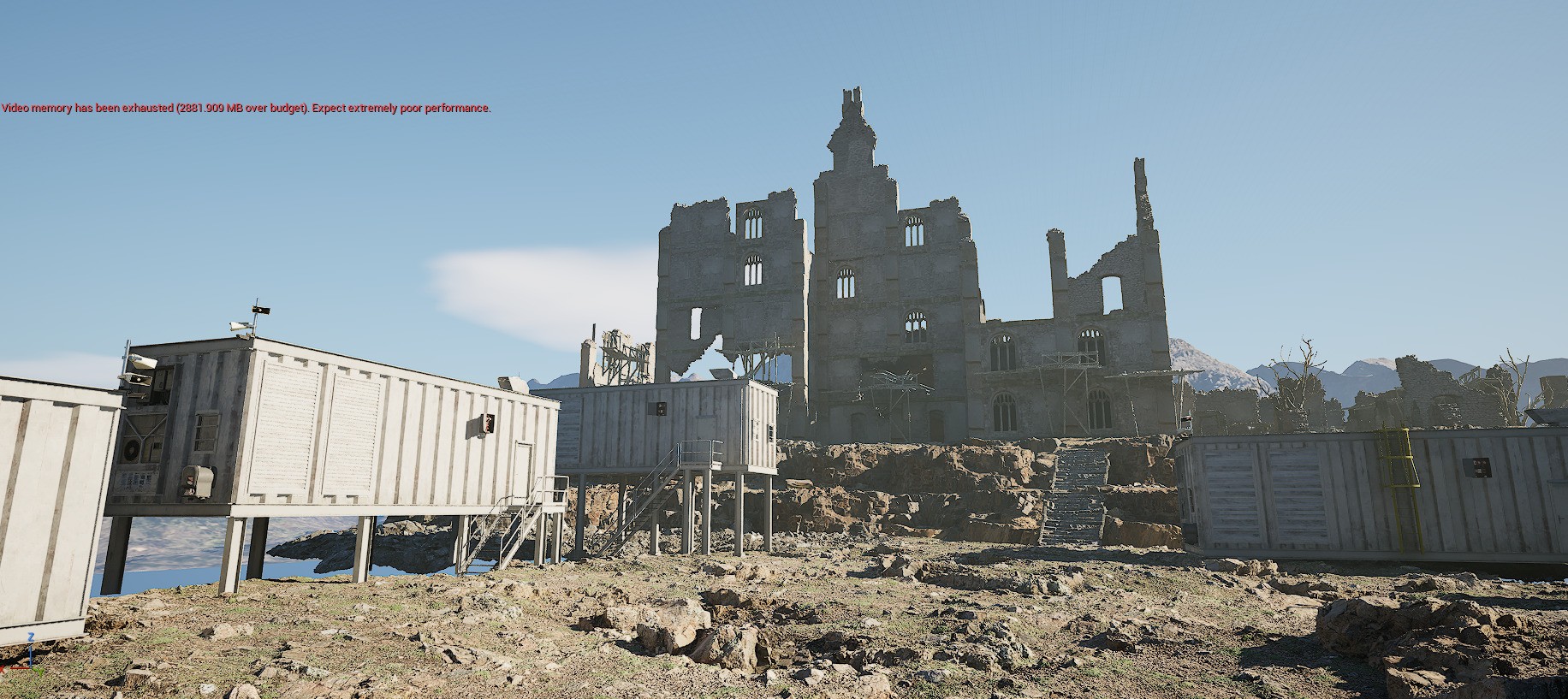
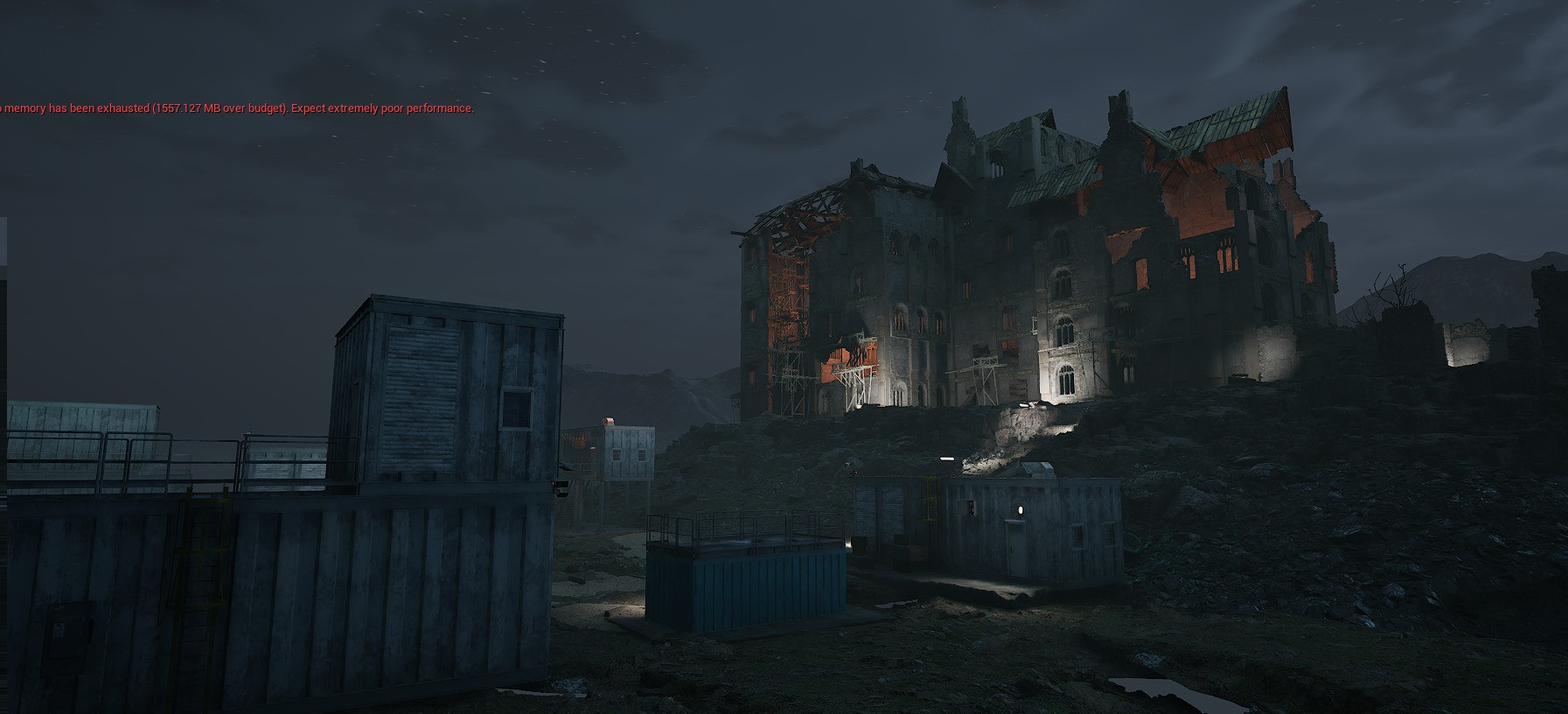
Final render is not matching what I'm seeing in viewport, I'm assuming the timing set in the BP is not matching sequencer setup. It's not dynamic enough to adjust its self to changes in sequences, I'll have to expose the speed parameter to the sequencer to avoid some issues.
-
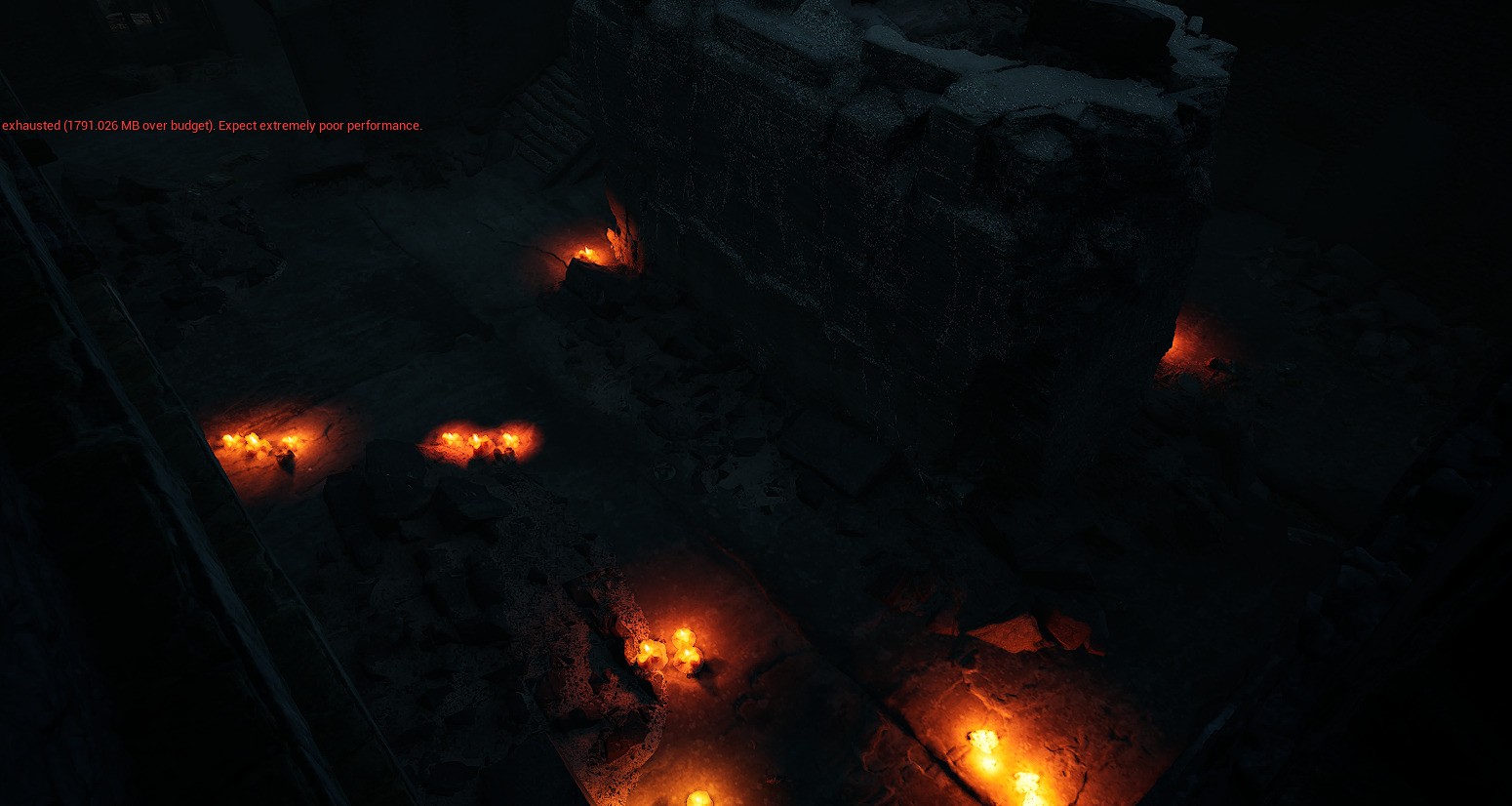
There is a moment between around dawn where it all gets dark, I'm not sure how to resolve that, I've tried a lot of things, including angle of the sun not going all the way to 180 degree or controlling the lowest brightness the lights can have. Should be fixed after exposing speed parameter.
-
I'm not very familiar with the new lighting setup requirements in unreal engine, I'm familiar with skydome + skylight + directional light BUT nothing involving sky atmosphere and dynamic light and lumen. The look on sky atmosphere is affecting skylight intensity too. It got tricky.
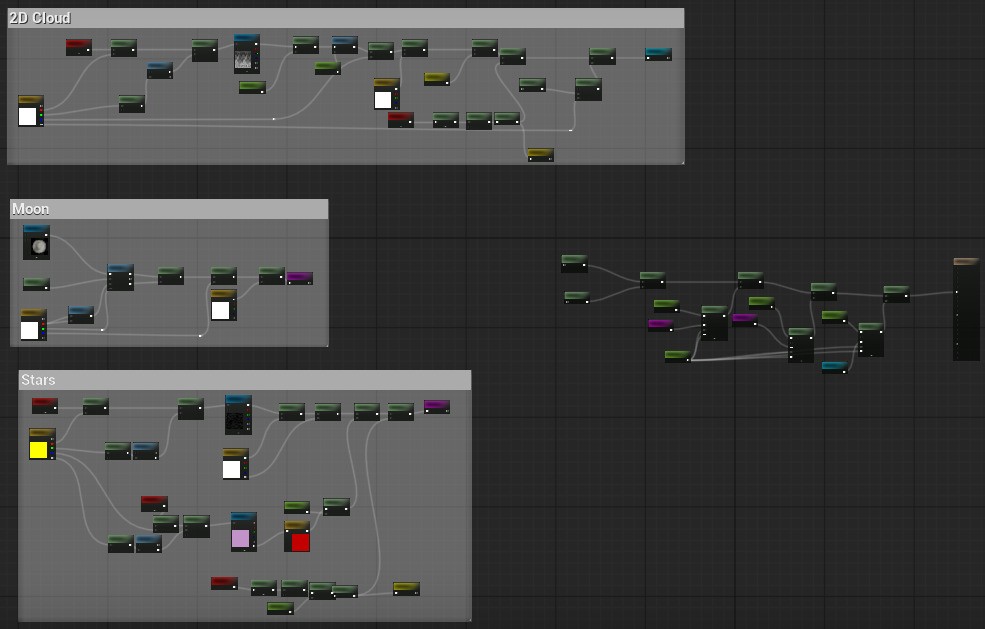
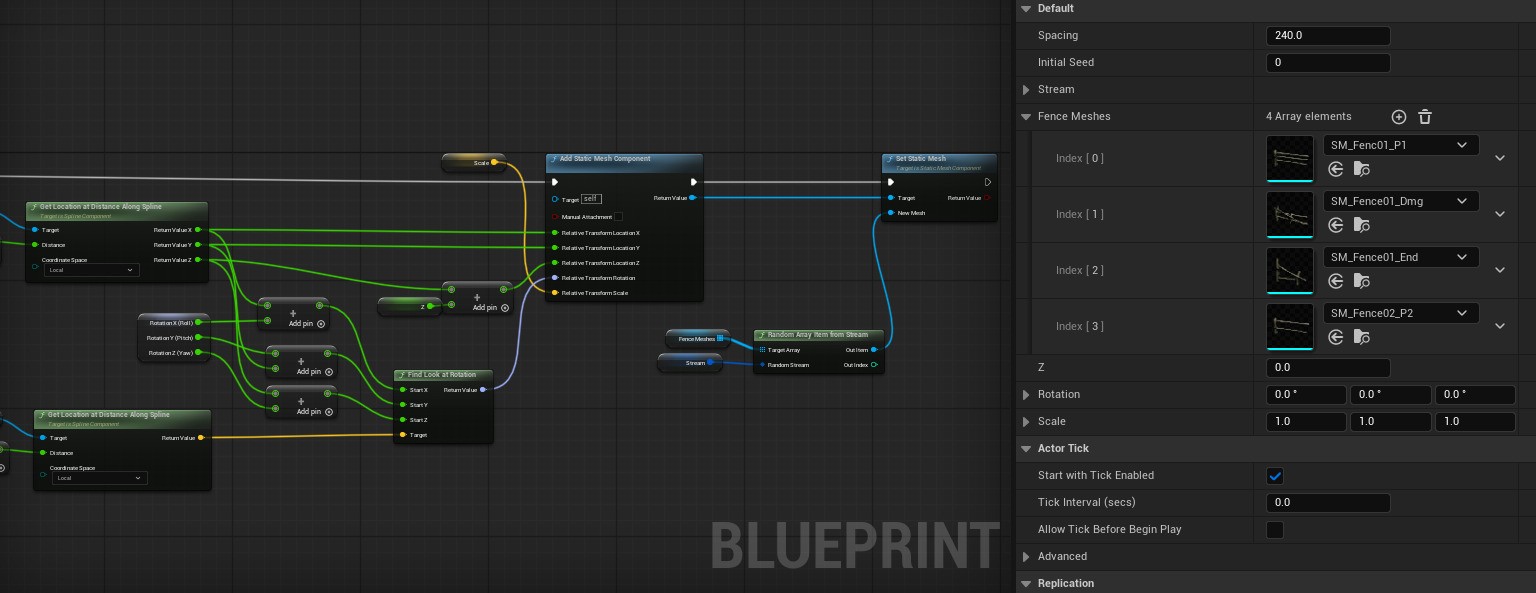
Below is the dynamic atmosphere tool and the data assets it uses.
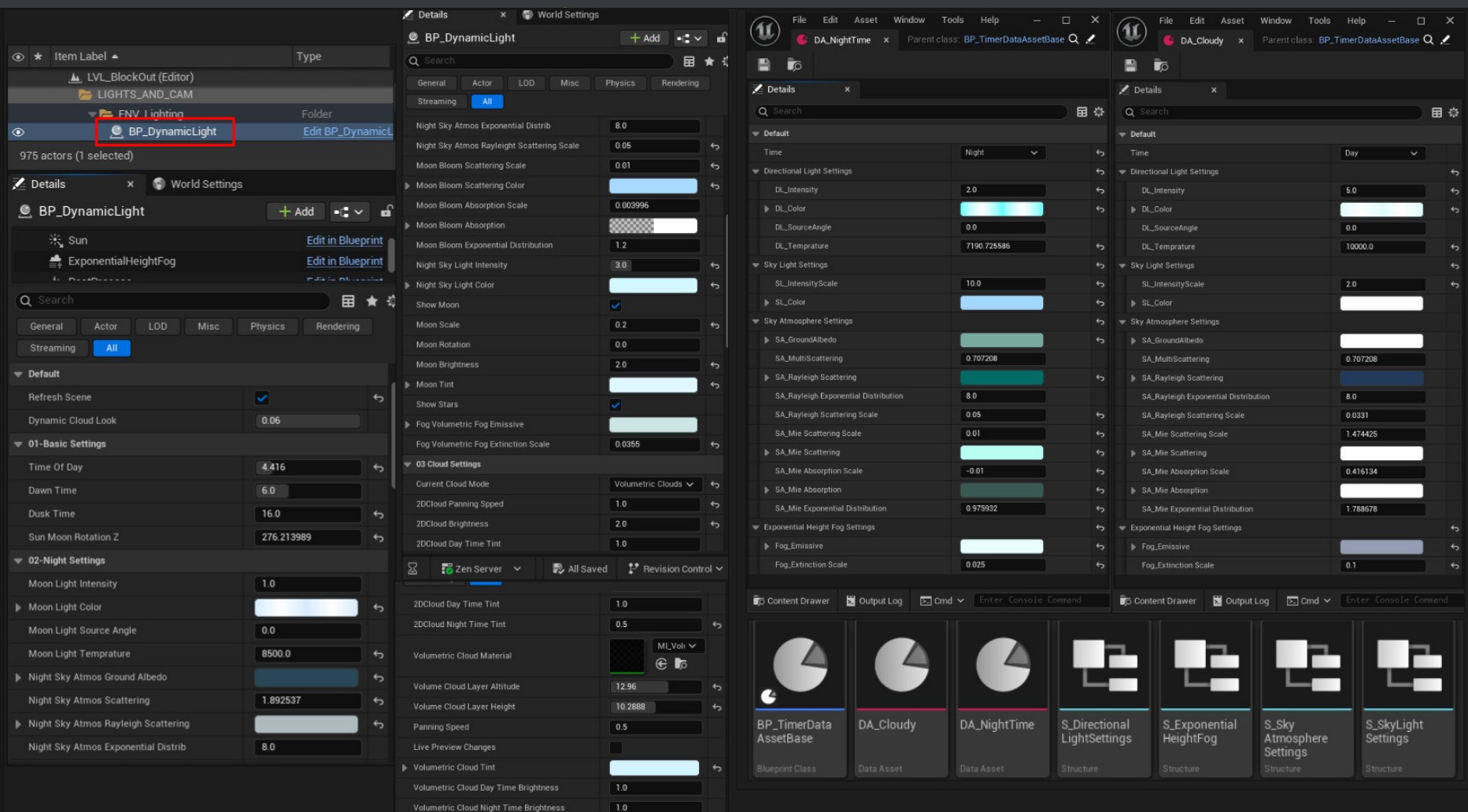
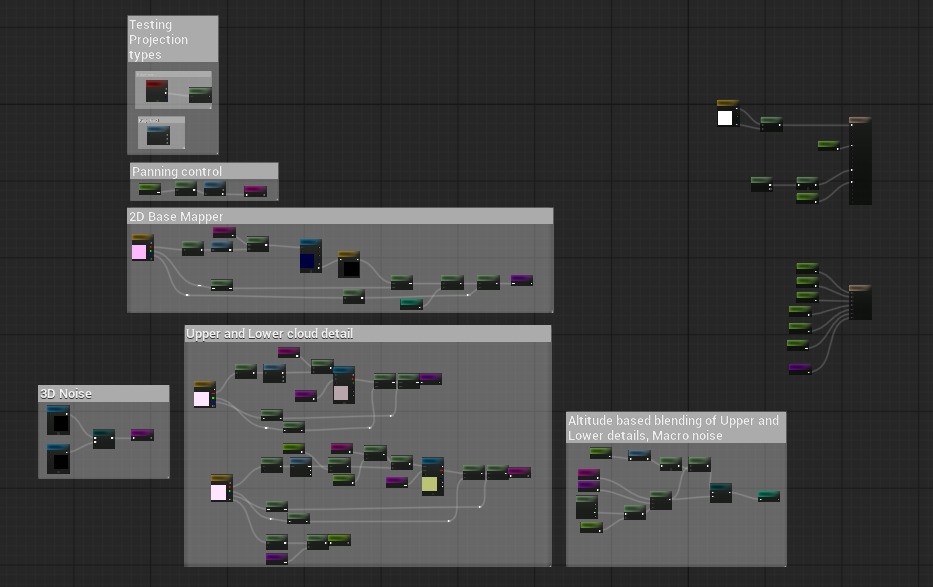
Volumetric Cloud setup and Sky dome, respectively.
If you want to learn how I made this check out this Udemy course Check it out! It's very easy to follow and very detailed.
Here
This took me a little while, and kinda drained me. I'll move on to other tools and dressing adjusments first, and if I get the time I'll get back to fixing these issues.

 I'm sure you can do it better than me, here is a course I followed and got inspired by
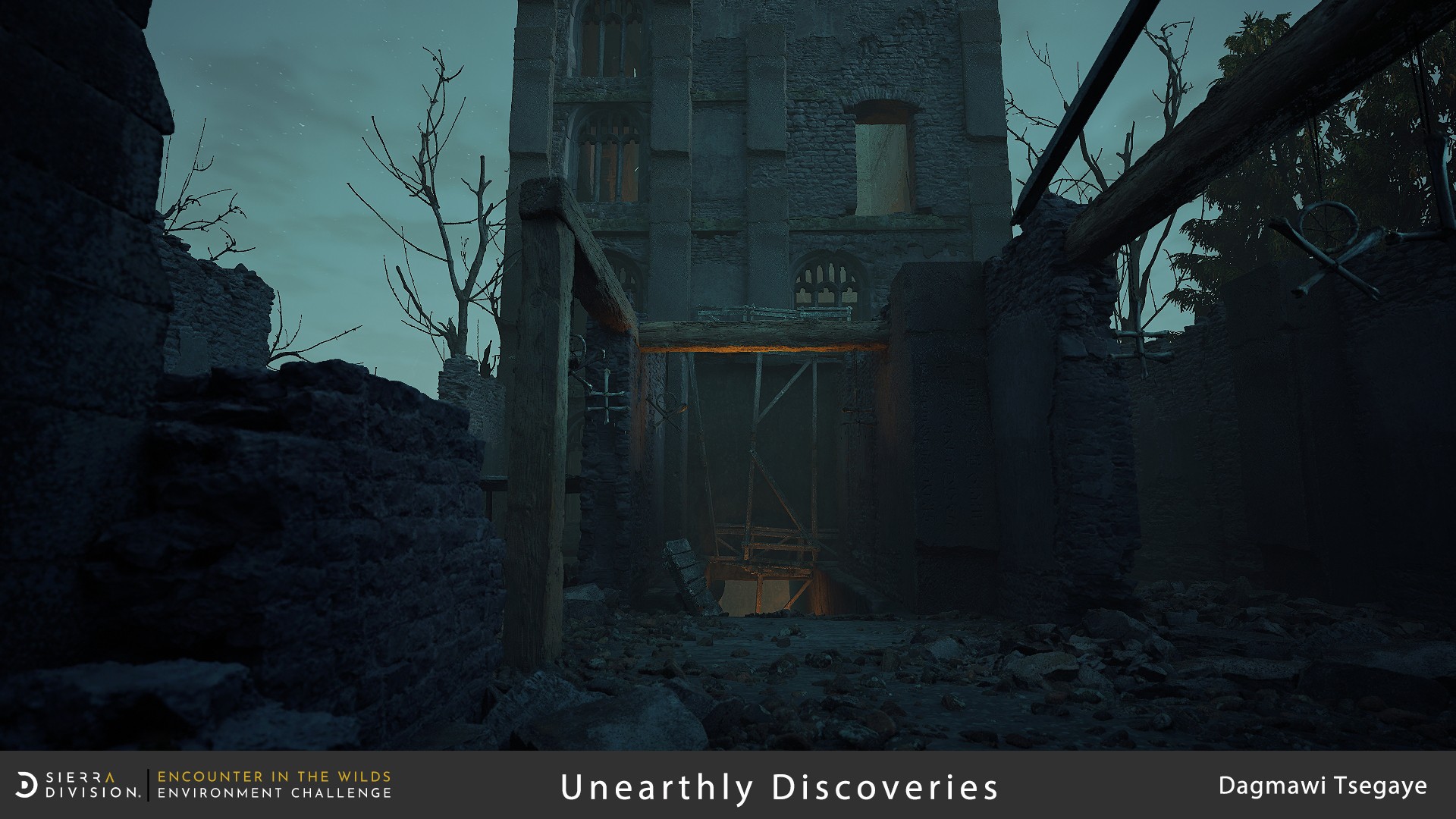
Hopefully I'll get a time to have a cinematic render, I've made a VFx for the runic symbols to light up once the character enters a room it's in or gets close to the tomb it's written on:
I'm sure you can do it better than me, here is a course I followed and got inspired by
Hopefully I'll get a time to have a cinematic render, I've made a VFx for the runic symbols to light up once the character enters a room it's in or gets close to the tomb it's written on: